IPTV home-network guide
Wi-Fi vs Ethernet for IPTV: stability test that actually matters
Compare Wi-Fi and Ethernet for IPTV with a fair same-device test: placement, band, mesh, peak-hour load, latency variation and when a cable is worth installing.
Direct answer
Direct answer
Ethernet is usually the most predictable path for a fixed main TV because it removes wireless interference. Wi-Fi can still be excellent when the signal is strong at the television, the band is not congested and the household load is controlled. Choose the connection that stays stable in the real viewing room during your normal watch hours—not the one with the flashiest speed-test screenshot.
Key checks
- ✓ Prefer Ethernet for the main fixed screen when cabling is safe and practical.
- ✓ Judge Wi-Fi at the TV location during evening peak, not beside the router at noon.
- ✓ Stability and recovery after a blip matter as much as peak Mbps.
- ✓ Use a same-device A/B test before buying new routers or longer plans.
Why Ethernet is the control test
A cable gives the TV a dedicated physical path on your LAN. Walls, neighbour Wi-Fi, microwave bursts and phone “client steering” between bands stop mattering for that hop.
Ethernet does not fix a bad ISP path or a weak provider stream—but if Ethernet is clean and Wi-Fi is not, you have isolated the problem to the wireless segment. That alone prevents pointless plan changes.
When Wi-Fi is the right practical choice
Rentals, wall-mounted TVs and rooms without conduits often force Wi-Fi. It works when the access point is not buried in a metal cabinet, the TV sees a strong signal, and heavy uploads are not competing every evening.
Mesh can help, but only if nodes are placed for the TV path—not only for phone coverage in hallways. Backhaul quality between nodes matters as much as the final hop.
- •Avoid closed cabinets and thick concrete between AP and TV.
- •Test 5 GHz and the longer-reach band at the TV—do not assume 5 GHz always wins.
- •Pause cloud backups and large downloads during the comparison window.
- •If using powerline or MoCA, treat it as a separate control—not “magic Ethernet.”
Run a fair 30–60 minute A/B comparison
Same TV, same app, same category type, same approximate clock time. Run Wi-Fi for 30+ minutes and log freezes, resolution drops and recovery. Then switch to Ethernet (or a temporary adapter path) and repeat.
Do not compare a phone in the kitchen on Wi-Fi to a TV in the lounge on Ethernet and call it science. One device, one room, two transports.
- •Record startup time to first stable picture.
- •Count freezes longer than ~2 seconds.
- •Note whether audio desyncs before video recovers.
- •Retest after moving only the AP/mesh node—one change at a time.
Choose for the household, not for marketing Mbps
Wire the main fixed screen when reliability matters and the cable can be installed safely. Keep Wi-Fi for mobiles and secondary rooms. A mixed network is normal and often optimal.
If Ethernet is impossible, invest first in AP placement and interference reduction, then in mesh/backhaul, and only then in “faster plan” marketing—after a logged trial still fails on a clean local path.
Link to Smart TV setup and buffering diagnosis
Network choice sits between device setup and buffering diagnosis. If the app will not install, fix Smart TV setup first. If freezes continue on Ethernet, escalate with a buffering log to support. If freezes vanish on Ethernet, fix Wi-Fi before blaming the subscription length.
Field observation log
Field observation: Wi-Fi vs Ethernet on the same living-room path
A/B session designed with Marcus Thorne; device constraints checked with Elena Vance. Observation photos of the box setup, hallway AP, Cat6 path and finished wired install are included below.
Observation photos
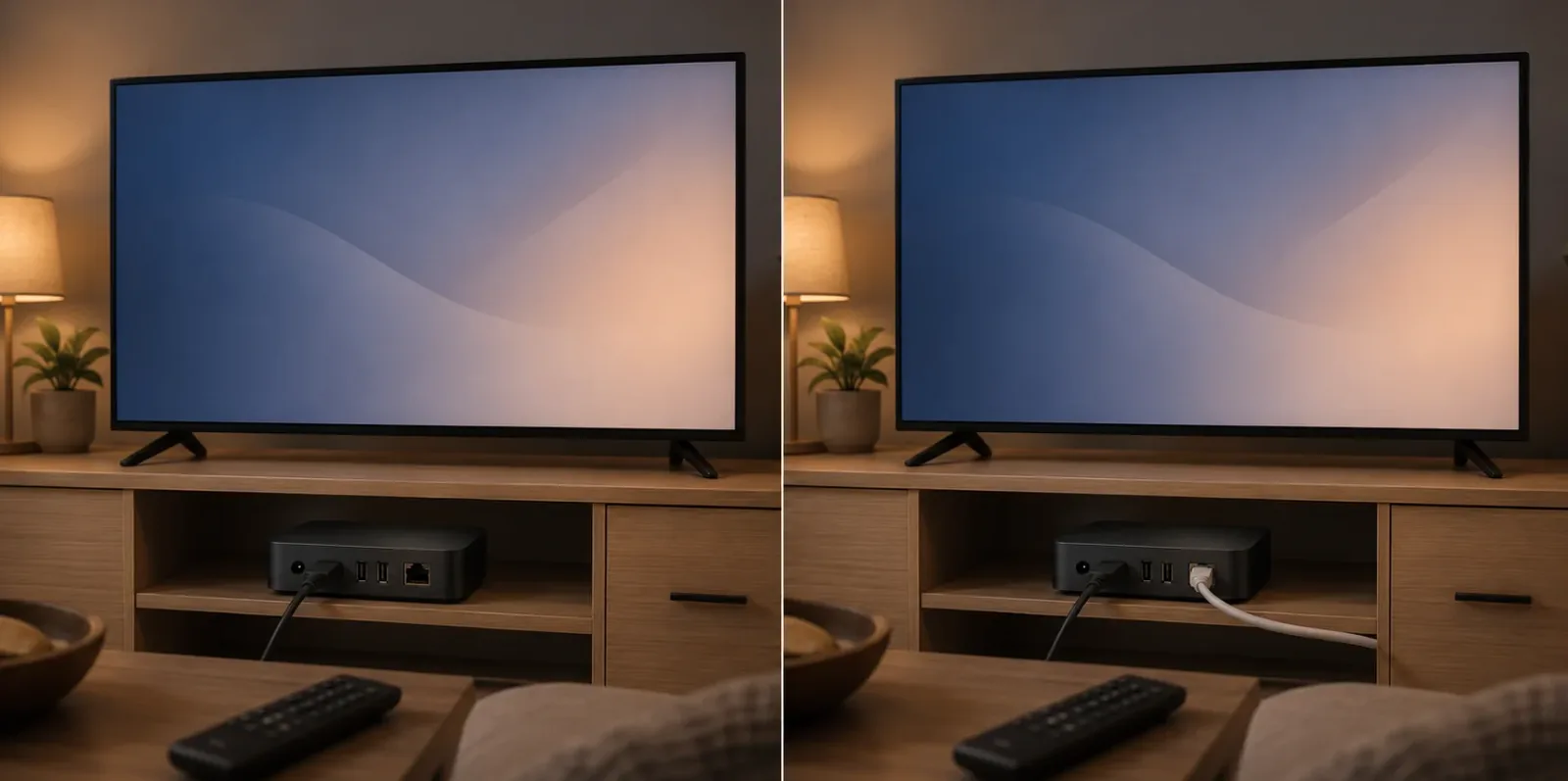
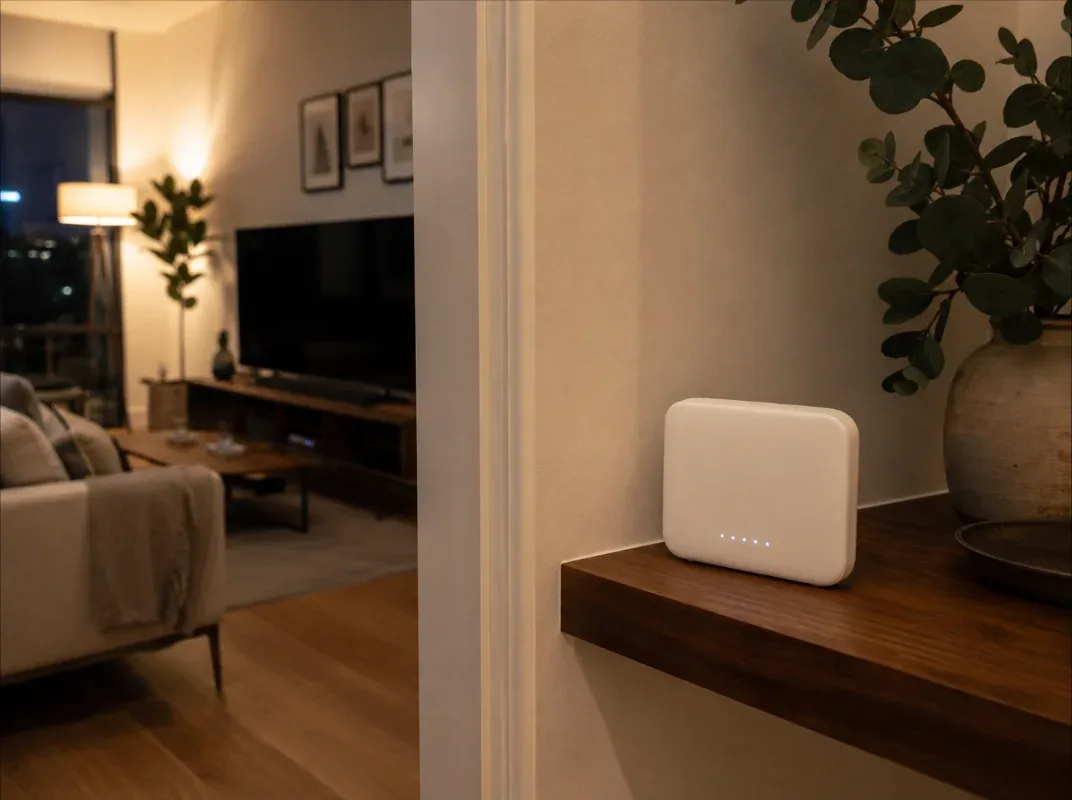
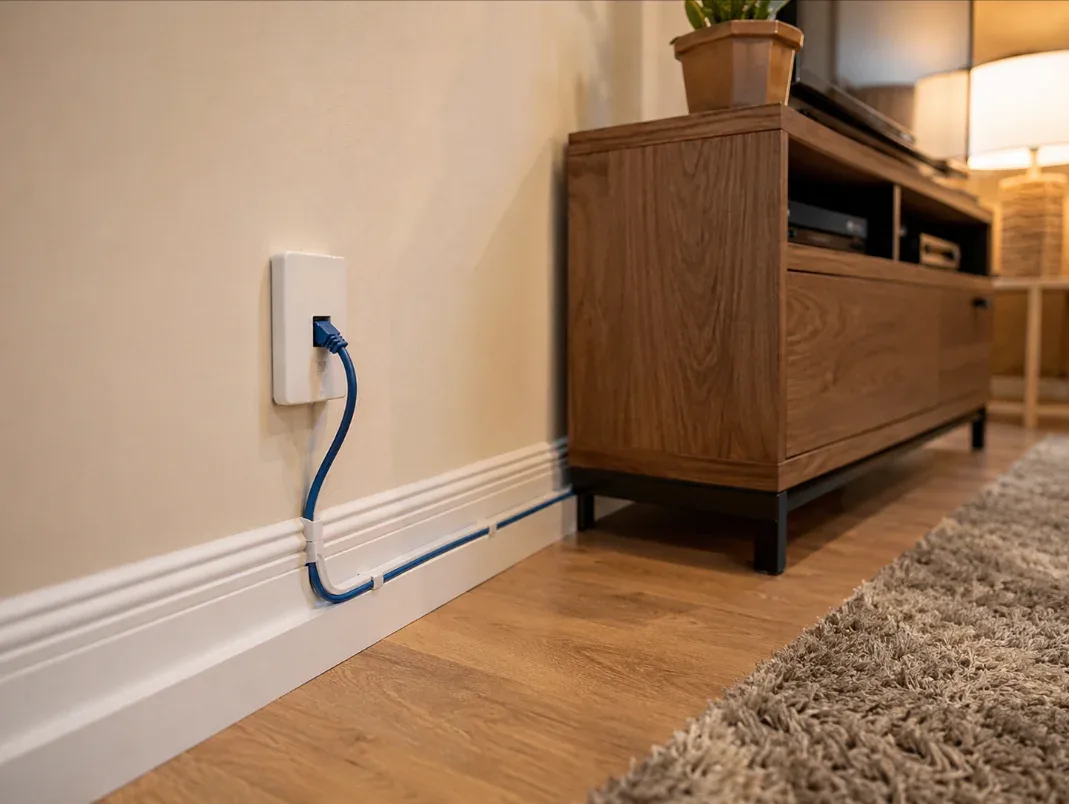
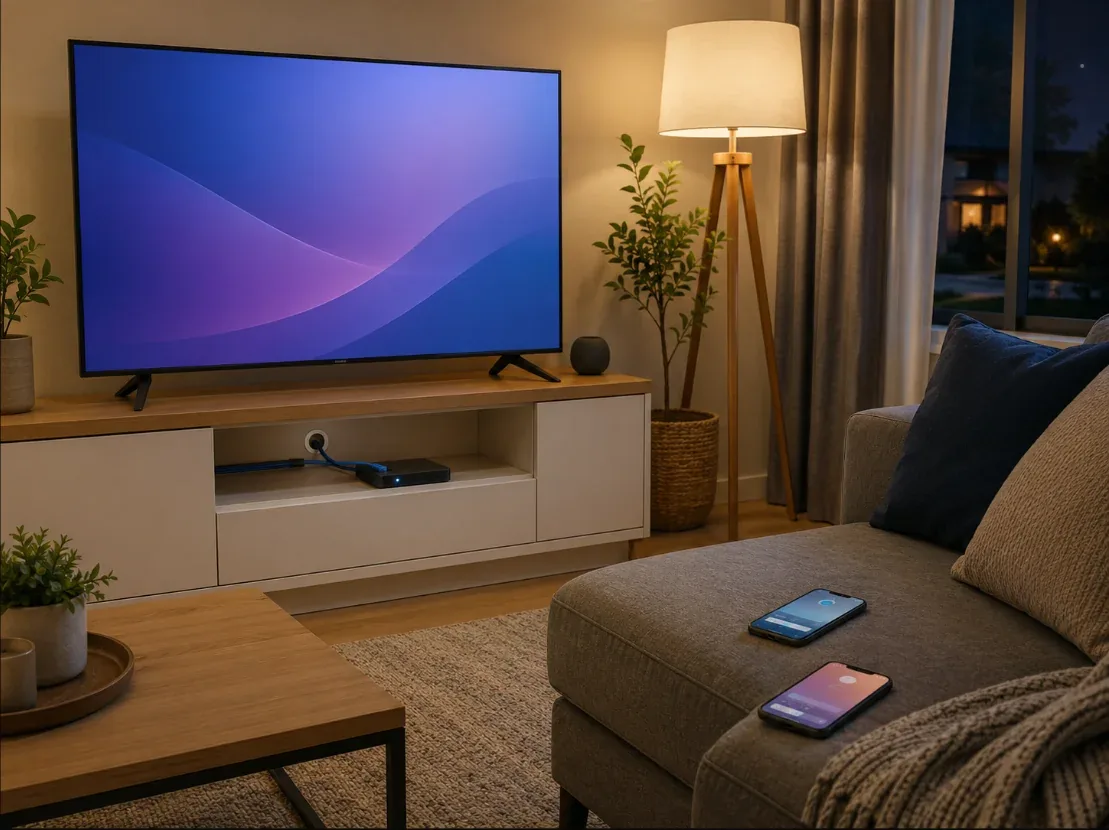
- Date of observation
- 2026-07-05 (20:00–21:40 local)
- Device
- Android TV box on main TV HDMI, living room
- Wi-Fi condition
- 5 GHz from hallway AP, one interior wall, evening household load
- Wi-Fi result (40 min)
- 3 freezes >2s; one resolution drop; recovery 5–12s
- Ethernet condition
- Cat6 to same box, same app, same categories
- Ethernet result (40 min)
- 0 freezes; stable startup; clean sleep/wake
- Decision
- Permanent short cable behind skirting for main screen; Wi-Fi kept for phones
- Secondary room
- Still Wi-Fi-only; accepted lower reliability vs cable cost
Headline “200 Mbps” Wi-Fi did not equal a stable IPTV evening. Same device on Ethernet removed freezes entirely—so the plan was not the first variable to change.
Observation photos are shown above. Re-validate timings and device models in your own home before changing plans.
FAQ
Is 5 GHz Wi-Fi always better for IPTV?
Not always. It can offer more capacity at short range; lower-frequency bands may penetrate walls better. Test at the TV.
Will Ethernet stop all buffering?
No. It removes many local wireless causes. Device, app, ISP path or provider issues can remain.
Can a mesh network replace Ethernet?
It can improve coverage, but depends on node placement and backhaul. Validate with a timed A/B test.
What about Wi-Fi 6 / 6E?
Newer standards help capacity and efficiency when devices and APs both support them—but placement and interference still dominate living-room results.
How this guide was prepared
This guide combines a repeatable evaluation process with dated household observations reviewed by our technical author and network reviewer. It does not claim every television, router or provider was tested. Confirm results in your own environment.
How this guide was prepared →Responsible-use note
Technical compatibility does not establish content rights. Use IPTV applications and subscriptions only with content that is authorized for the provider, region and intended use.
Responsible-use note →